























Wireless security cameras: pros and cons
Thinking about going wireless for your home or business security? Wireless security cameras have become increasingly popular in Australia - and for good reason. They are flexible, easy to install, and suit a wide range of properties. But they are not without their limitations.
Here is what you need to know before you buy.
What is a wireless security camera?
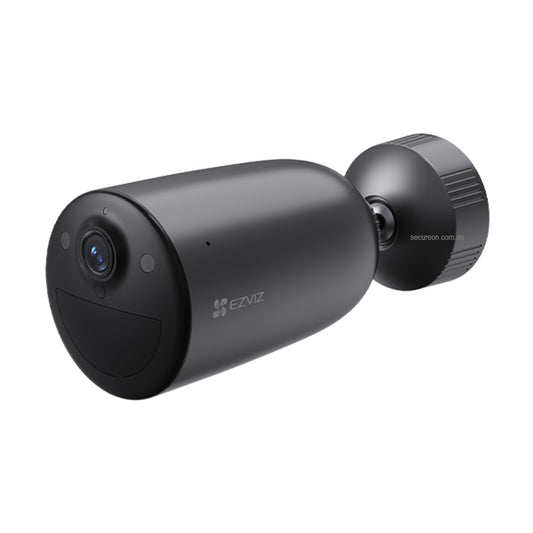
A wireless security camera connects to your network via Wi-Fi or cellular (4G/5G) rather than a physical data cable. Some are fully wireless and battery-powered, while others still require a power cable but transmit footage wirelessly. Understanding which type you are looking at will shape your installation and maintenance experience.

Hikvision's 4G wireless deployments are great options for scenarios that requires quick setup, pro-grade security with 4/7 recording
What about hybrid wireless cameras?
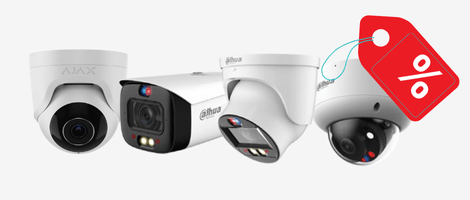
Not all wireless cameras fit neatly into the "fully wired" or "fully wireless" categories. Hybrid systems - like those from Ajax - use a proprietary wireless protocol to connect cameras to a hub, which then connects to your network and alarm system. These cameras are often mains-powered but communicate wirelessly, combining the reliability of a stable power source with the flexibility of cable-free data transmission.
Hybrid wireless cameras are particularly popular in professional security installations where running data cables is difficult but a consistent power supply is available. They tend to offer stronger wireless range and more robust encryption than standard Wi-Fi cameras, making them a compelling option for commercial and high-security residential applications.
Wireless cameras with built-in alarm features
A growing category of wireless cameras goes beyond simple video surveillance by integrating alarm functionality directly into the device. These are sometimes called "all-in-one" security devices because they combine a camera, motion detector, siren, and lights into a single unit.

Two common examples you will find in the Australian market:
-
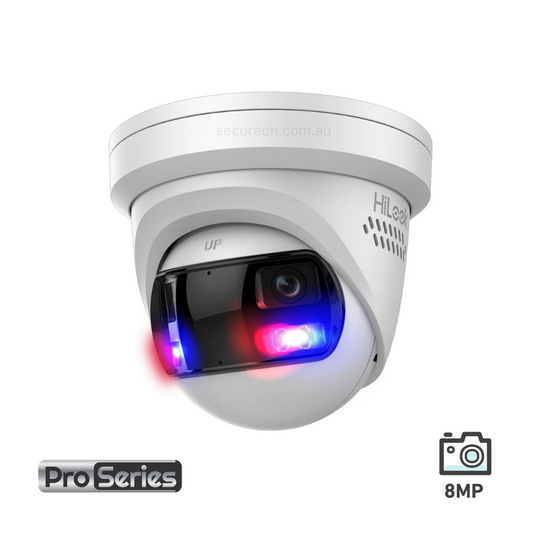
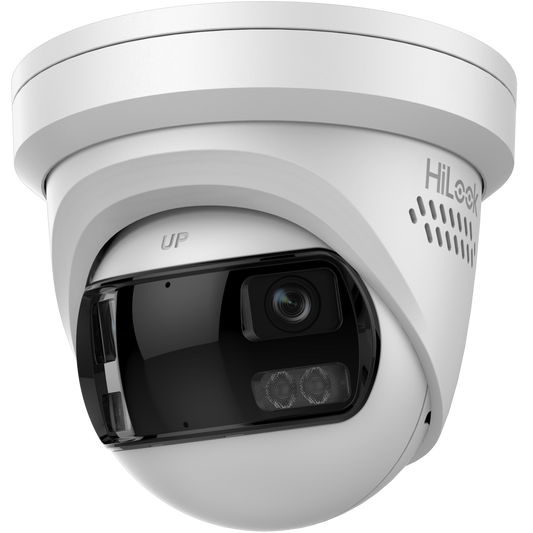
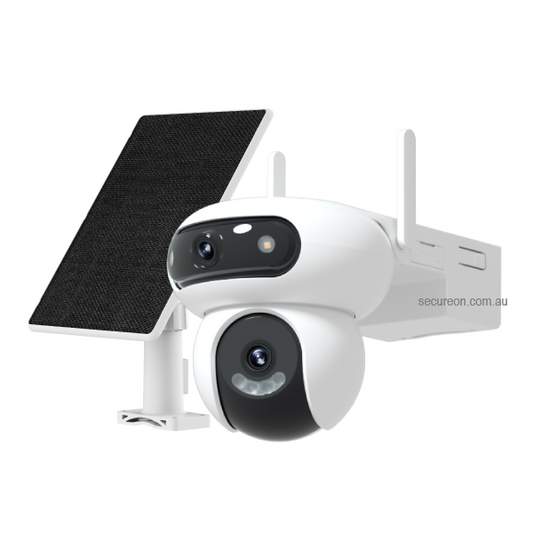
Dahua TiOC - An active deterrence camera featuring full-colour night vision, a built-in siren, and a warning light. When motion is detected, it can automatically trigger an audio and visual warning to deter intruders in real time. The Dahua TiOC Dual Lens variant is particularly popular - it combines a wide-angle lens for broad coverage with a second lens for detail, giving you more situational awareness from a single device without needing two cameras.
- Hikvision AX Pro - A hybrid alarm and camera platform where wireless motion detectors, door sensors, and cameras all connect to a central hub. Unlike a standalone camera, the AX Pro operates as a full wireless alarm system with camera verification - so when a sensor is triggered, the camera confirms whether there is a genuine threat before alerting you or a monitoring centre.

Hikvision AX PRO – a flexible and easy-to-use system with no wires
These integrated devices are well suited to homeowners and small businesses who want a visible, active deterrent without the complexity or cost of installing separate alarm and camera systems. The main consideration is that active deterrence cameras typically require mains power to run the siren and floodlight reliably, so they are not ideal for fully battery-powered setups.
About Secure On Australia
Are you looking to secure your home or business? Managing your safety should not be complicated. Secure On provides high-quality security cameras and surveillance systems tailored for Australian properties. Whether you need remote monitoring or 24/7 recording, find the reliable equipment you need to protect what matters most.
Go to website ↗
Pros of wireless security cameras
Flexible placement
Without the need to run data cables through walls or ceilings, you can position cameras almost anywhere - on a fence post, under an eave, in a shed, or inside a rental property where drilling is restricted.
Easier installation
For most homeowners, wireless cameras can be set up without a licensed installer. Battery-powered models in particular can be mounted and configured within minutes, making them a practical DIY option.
Ideal for renters and temporary setups
If you are renting or need a temporary security solution - for example, during a renovation or construction phase - wireless cameras can be installed and removed without causing damage to the property.
Remote monitoring and alerts
Most wireless cameras connect to a mobile app, allowing you to view live footage, receive motion alerts, and manage settings from anywhere with an internet connection.
Scalable and expandable
Adding more cameras to a wireless system is straightforward. You are not limited by cable runs or the number of ports on a recorder - you simply connect new cameras to your network.
Cons of wireless security cameras
Dependent on Wi-Fi or cellular signal
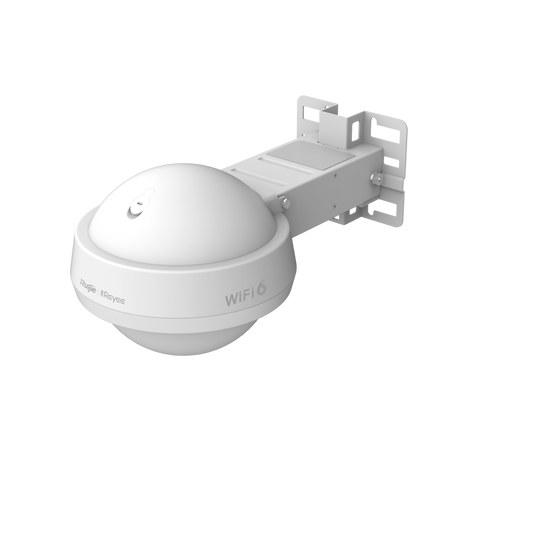
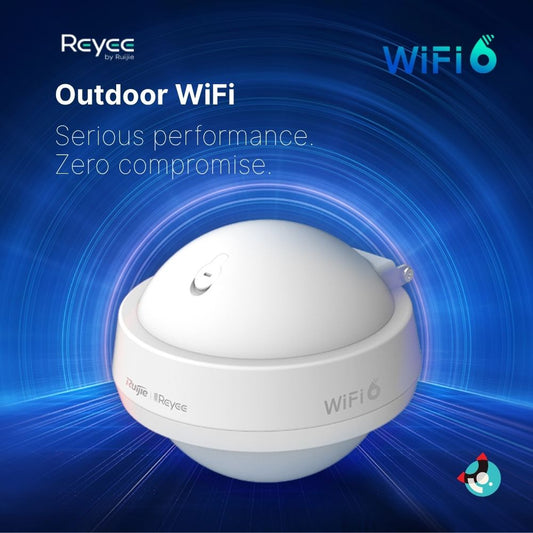
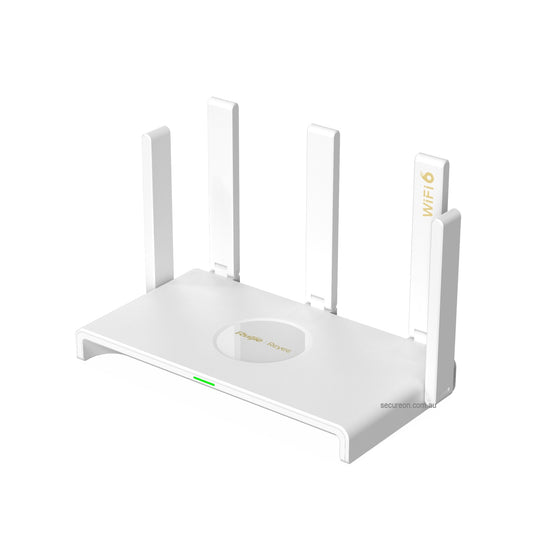
If your internet goes down or the signal is weak in the camera's location, you may lose access to live footage and cloud storage. A wired backup or local storage option can help mitigate this risk. Investing in a quality Wi-Fi access point - such as those from Ruijie Reyee - can significantly improve wireless camera reliability by ensuring strong, consistent coverage across your property.
Battery maintenance
Battery-powered cameras need to be recharged or have batteries replaced regularly - typically every one to six months depending on activity levels. High-traffic areas will drain batteries faster.
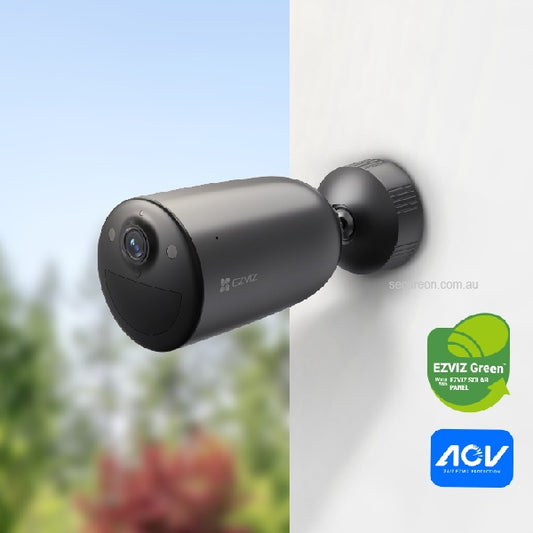
Tip: many battery-powered wireless cameras are compatible with optional solar panels. In outdoor locations with good sun exposure - which is most of Australia - a solar panel accessory can keep your camera continuously charged, virtually eliminating the need for manual recharging. It is worth checking whether the camera model you are considering supports a solar panel before you buy.

The addition of solar panels to wireless camera completely eliminates the hassle of electricity wiring and frequent recharging
Susceptible to interference
Other wireless devices such as routers, baby monitors, and neighbouring networks can cause interference, particularly on the 2.4GHz band. Cameras that support 5GHz Wi-Fi or dual-band connections are less prone to this issue.
Potential video quality trade-offs
While modern wireless cameras can deliver excellent HD and 4K footage, connection instability or bandwidth limitations in your network can result in buffering, lag, or reduced resolution - especially during peak usage hours.
Cybersecurity considerations
Any internet-connected device carries a degree of cybersecurity risk. It is important to use cameras from reputable brands, keep firmware updated, and secure your network with a strong password to reduce exposure.
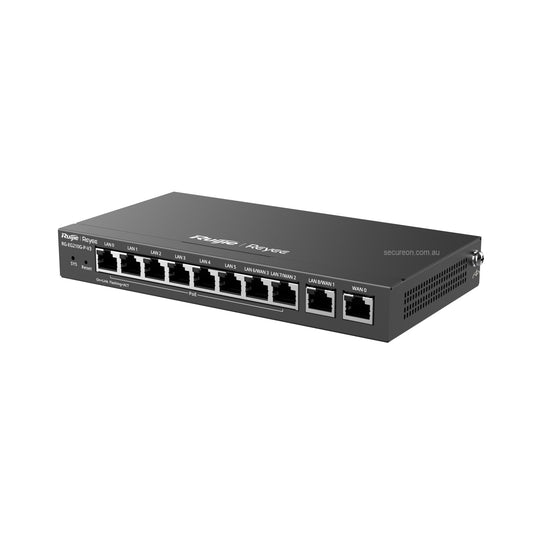
For an added layer of protection, consider placing your cameras on a dedicated VLAN (a separate, isolated network segment). Enterprise-grade networking equipment - such as Ruijie Reyee access points and routers - supports VLAN configuration and WPA3 encryption, which means even if a camera were ever compromised, your main devices and data remain protected on a separate network.
Is a wireless camera right for you?
Wireless cameras are a great fit if you need flexible placement, want an easy DIY install, or are securing a property where running cables is not practical. They work especially well in residential settings, apartments, and smaller commercial premises.
If you need rock-solid reliability for a larger commercial site, or you are recording continuously across multiple cameras, a wired IP camera system connected to an NVR - or a hybrid wireless system like Ajax or Hikvision AX Pro - may be a better long-term solution.
Not sure which direction to go? Browse our range of wireless security cameras or get in touch with our team - we are happy to help you find the right fit for your property.