








TP-Link Transmissions

A security camera system is only as reliable as the network it runs on. TP-Link VIGI transmission products provide the switching and networking infrastructure needed to power your cameras, carry video data, and keep your surveillance system running consistently.

Whether you are setting up a small office system or a multi-camera installation across a large commercial site, the right PoE switch or network device ensures your cameras stay connected and powered without the need for separate power supplies at each camera location.

What are transmission products?

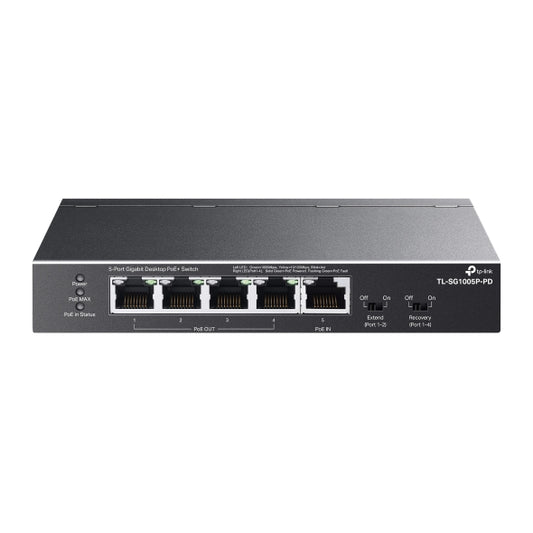
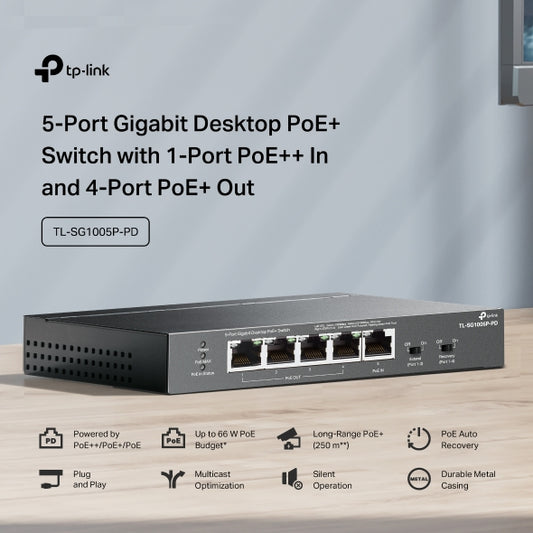
Transmission products are the network devices that sit between your cameras and your NVR, handling both power delivery and data transfer. For TP-Link VIGI systems, this primarily means:

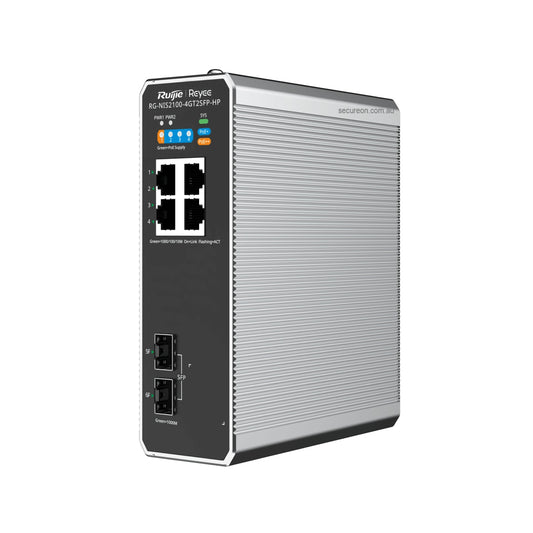
  • PoE switches - deliver power and network connectivity to multiple cameras simultaneously over a single Ethernet cable per camera, eliminating the need for separate power adapters
  • Unmanaged switches - straightforward plug-and-play network expansion for smaller installations
  • Managed switches - offer advanced configuration options including VLAN support, traffic prioritisation, and remote management for larger or more complex deployments

Why PoE switching matters for your VIGI system

  • Simplified cabling - a single Cat5e or Cat6 cable per camera handles both power and data, reducing installation time and cost
  • Centralised power management - power all cameras from a single point, making it easier to reboot or manage individual cameras remotely
  • Reliable performance - purpose-built surveillance switches prioritise video traffic to prevent dropped frames and latency issues
  • Scalability - add cameras to your system by expanding your switch capacity rather than running new power infrastructure

Choosing the right switch for your installation

  • Port count - select a switch with enough PoE ports to cover your current camera count, plus spare ports for future expansion
  • PoE budget - ensure the total PoE power budget of the switch exceeds the combined power draw of all connected cameras
  • Managed vs unmanaged - for most small to medium installations, an unmanaged switch is sufficient; managed switches are recommended for larger sites requiring network segmentation or remote administration
  • Uplink speed - for high-resolution multi-camera systems, ensure the switch has a Gigabit uplink to the NVR to avoid bandwidth bottlenecks

Frequently asked questions

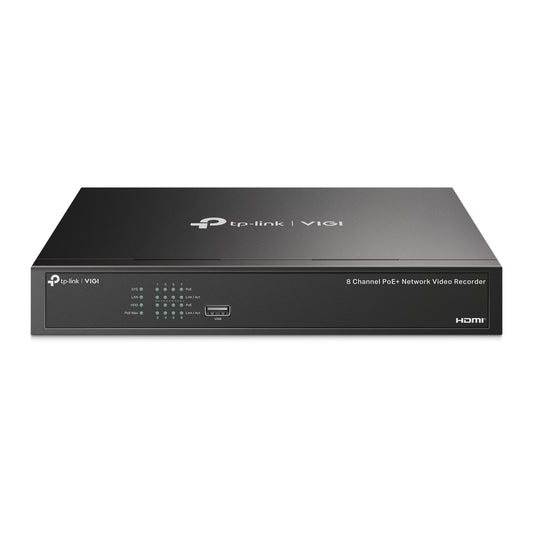
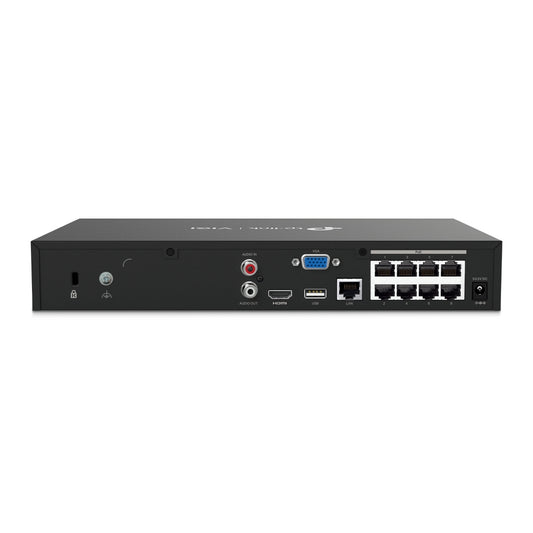
Do I need a PoE switch if my NVR already has PoE ports?
Not necessarily. If your NVR has enough built-in PoE ports for all your cameras, a separate switch may not be required. However, if you need to extend camera coverage beyond the NVR's port count or reach cameras at greater distances, a PoE switch is the practical solution.

Are these switches compatible with non-VIGI cameras?
Yes. TP-Link PoE switches are standard IEEE 802.3af/at compliant devices and will work with any PoE-compatible IP camera, regardless of brand.

What cable type do I need?
Cat5e or Cat6 Ethernet cable is recommended for PoE camera installations. Maximum cable run length is 100 metres per segment for standard PoE.

Browse the full range below, or contact our team for help sizing your network infrastructure for your VIGI camera system.

Recently Viewed Products