




















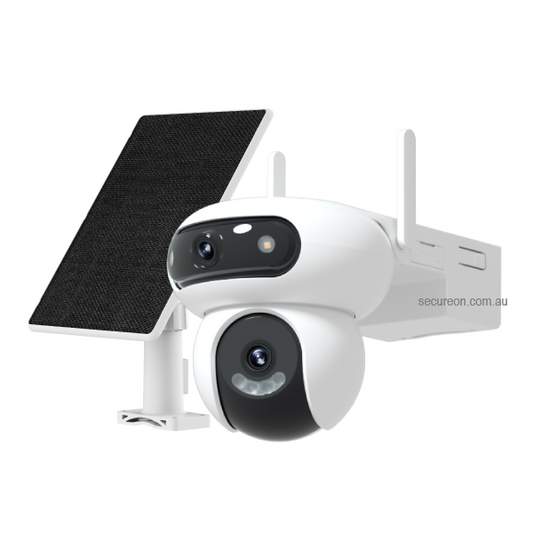










Is Your IP Camera a Security Risk? How to Protect Your System from Hackers
IP cameras are powerful security tools — but if left unconfigured, they can become a vulnerability on your own network. The good news is that a few simple steps dramatically reduce your exposure.
Here's what every IP camera owner should do.
1. Change Default Passwords Immediately
Every IP camera ships with a default username and password (often “admin/admin” or “admin/12345”). These are publicly listed online and are the first thing attackers try.
Change your password on first setup to something unique — at least 12 characters with a mix of letters, numbers, and symbols. Do this for both the camera and your NVR.
2. Keep Firmware Updated
Manufacturers like Hikvision, Dahua, and HiLook regularly release firmware updates that patch known security vulnerabilities. An unpatched camera running old firmware is a known target.
- Check your NVR and camera firmware versions quarterly
- Download updates directly from the manufacturer’s official website
- Never install firmware from third-party sources
3. Isolate Cameras on a Separate VLAN
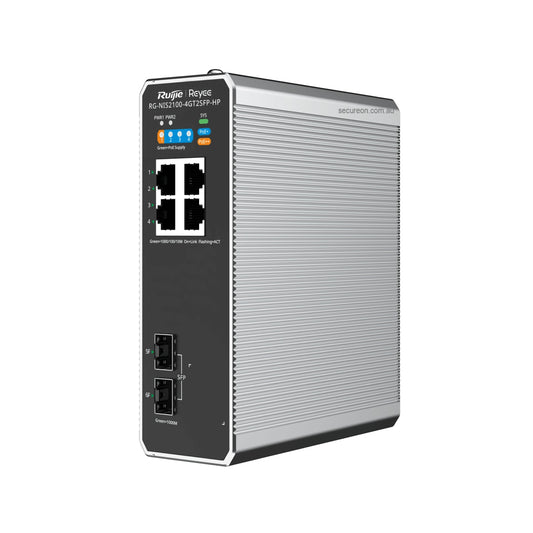
A VLAN (Virtual Local Area Network) keeps your cameras on a separate network segment from your computers, phones, and other devices. If a camera is ever compromised, the attacker can’t easily pivot to the rest of your network.
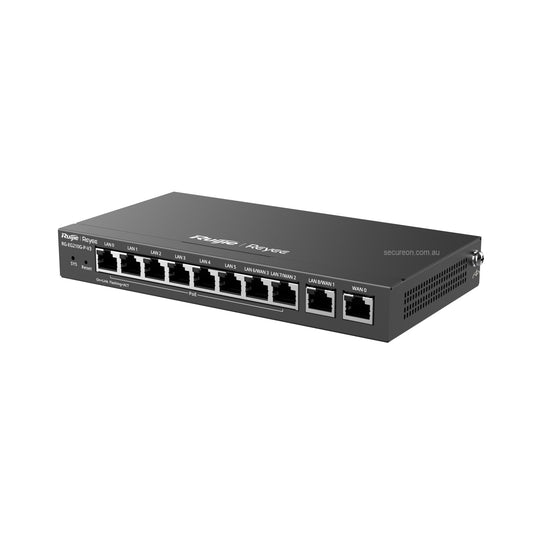
Most business-grade routers and managed switches support VLAN configuration. For home users, a dedicated IoT network on your router achieves a similar result.
4. Disable UPnP on Your Router
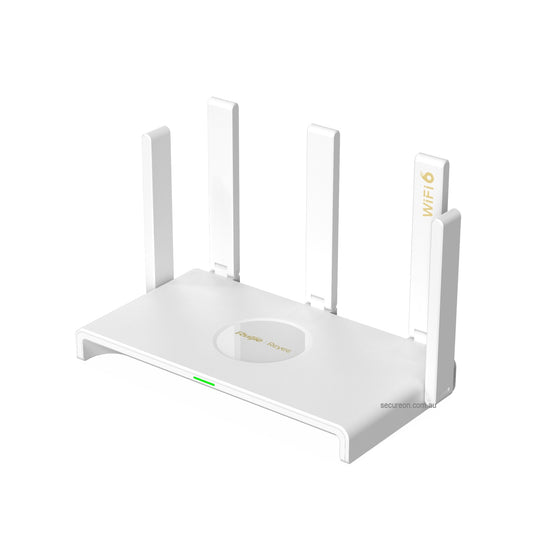
UPnP (Universal Plug and Play) allows devices to automatically open ports on your router — convenient, but a significant security risk. Disable it in your router settings and manually configure only the ports you need for remote access.
5. Use Secure Remote Access Methods
Avoid exposing your NVR directly to the internet. Instead:
- ✅ Use the manufacturer’s P2P cloud app (Hik-Connect, DMSS, iVMS-4200) for remote viewing
- ✅ Set up a VPN for direct NVR access
- ❌ Avoid port forwarding your NVR’s web interface to the public internet
Bonus: Audit Your System Regularly
- Review which devices have access to your NVR
- Check for unfamiliar login attempts in your NVR logs
- Disable any features or ports you don’t actively use (Telnet, SSH, HTTP if using HTTPS)
Quick Checklist
| Action | Done? |
|---|---|
| Changed default passwords | ☐ |
| Firmware up to date | ☐ |
| Cameras on separate VLAN/IoT network | ☐ |
| UPnP disabled on router | ☐ |
| Using P2P app or VPN for remote access | ☐ |
| Regular log audits scheduled | ☐ |
Need help securing your system? Our team can advise on network configuration as part of our installation service.
👉 Contact Secure On Australia on 1300 888 767
Secure On Australia |100% Aussie stock, free shipping on orders $200+, professional installation available.